

Select and Call in Chrome with OffiDocs

Ad
DESCRIPTION
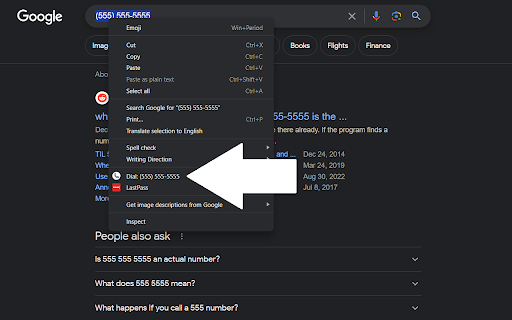
Simply select the phone number you want to dial and right-click to initiate the call. Uses the tel: URL scheme.
Highlight any phone number, right click, and click the "Dial" option! This opens a tel: link with the selected number!
Select and Call web extension integrated with the OffiDocs Chromium online


